Create and Assign Groups
Here is our approach for creating and assigning groups in Zoho People in a few simple steps.
Even a non-technical person can easily set it up in just a few steps.

Approach
We can create and assign groups in Zoho People using the following steps
1. Creating A group
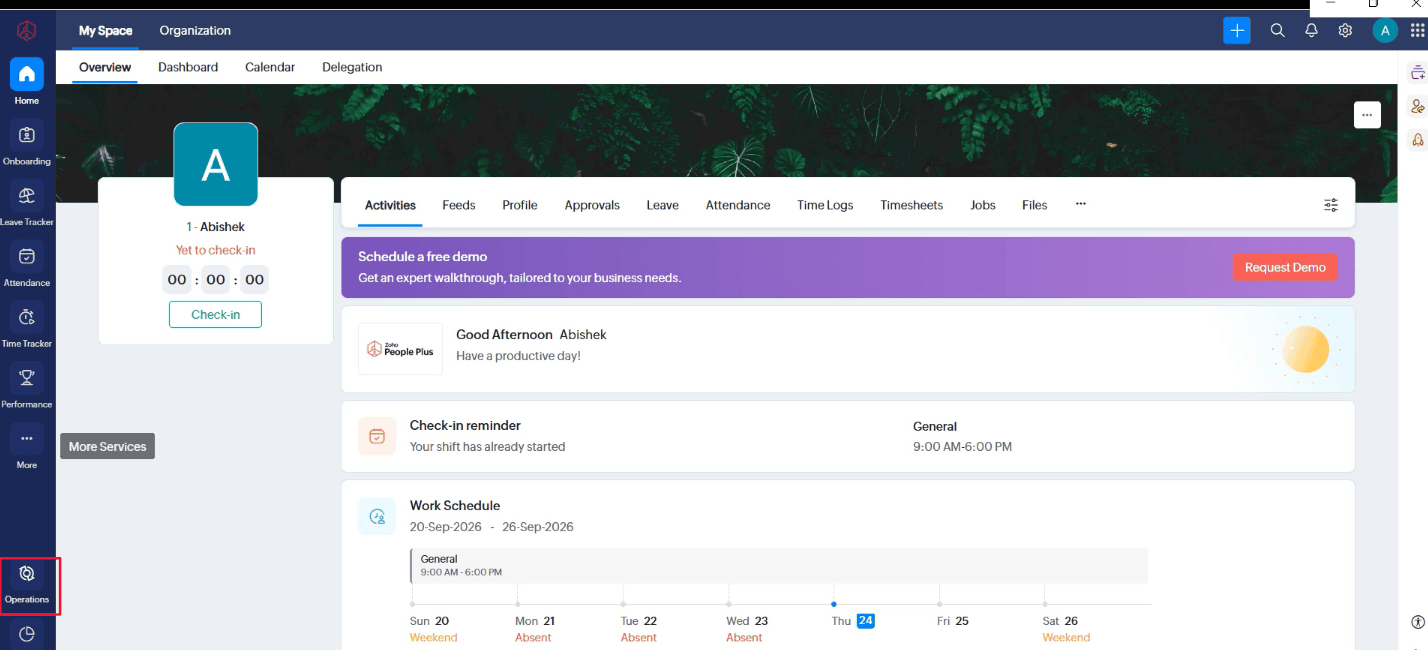
1.1 Go to "Operations"
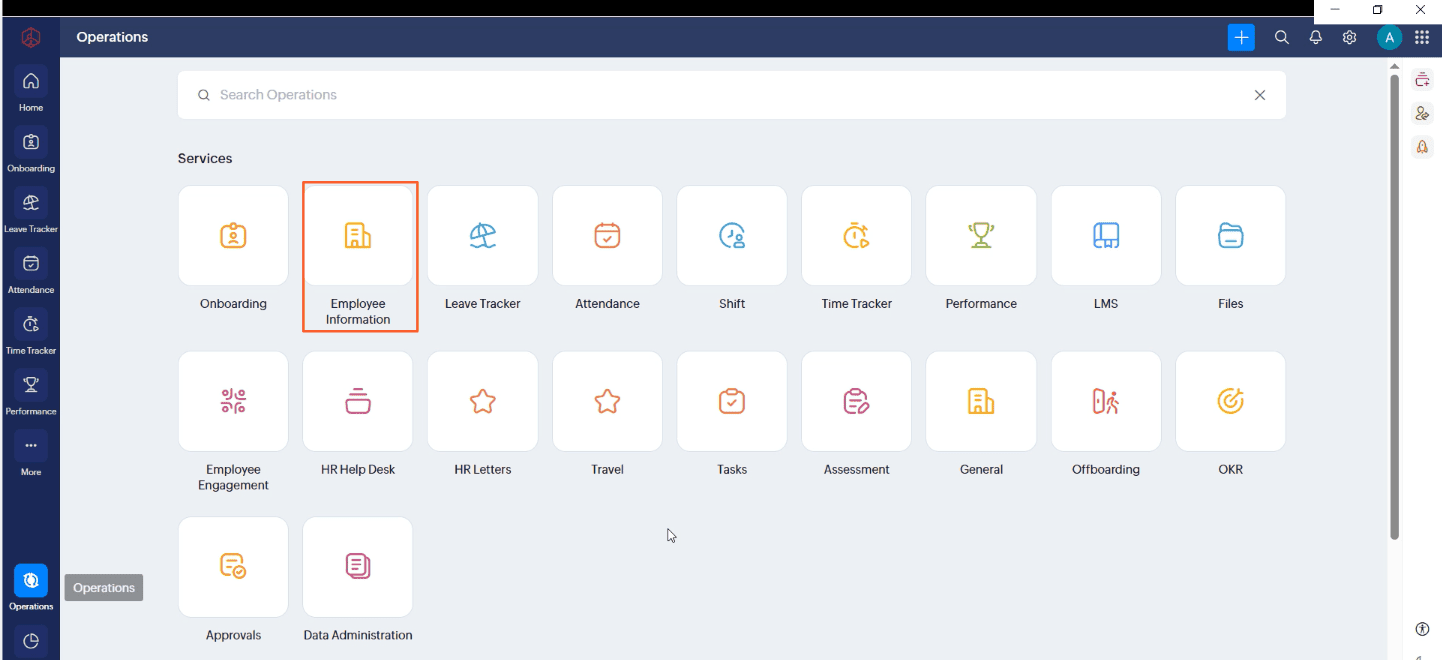
1.2 Click "Employee Information"
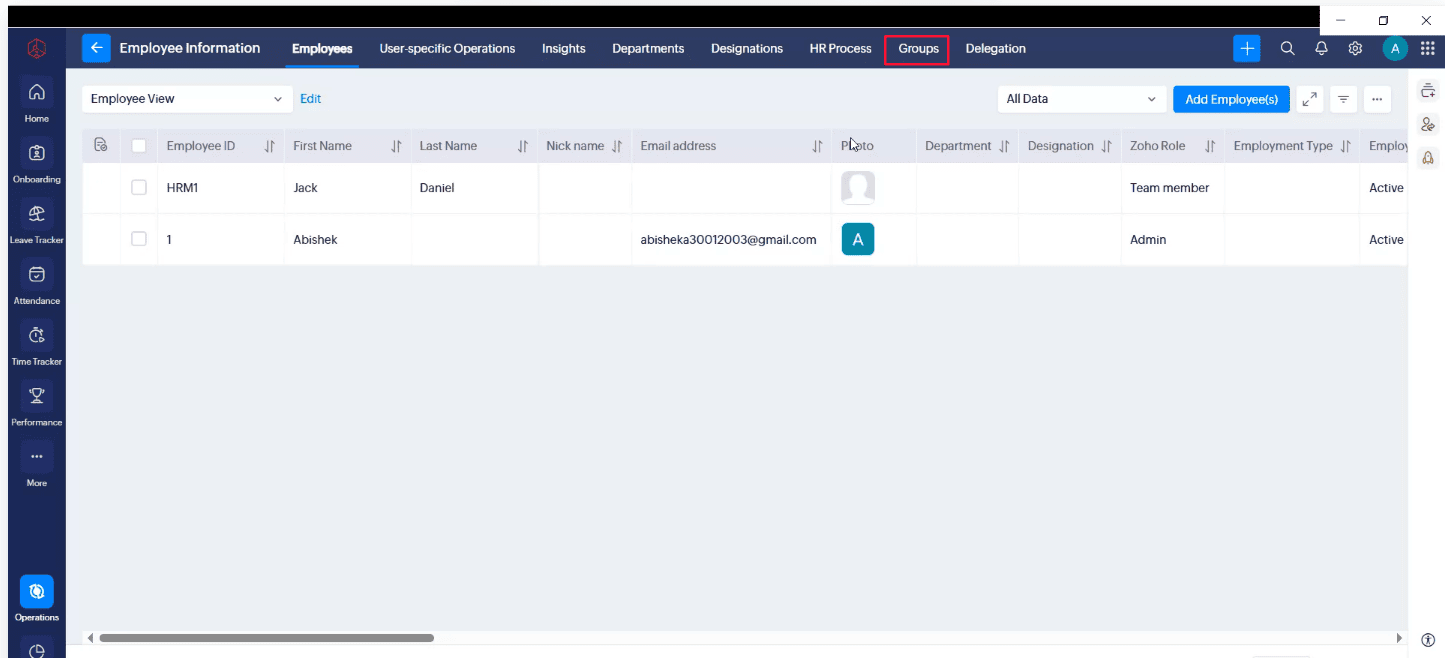
1.3 Click "Groups" Tab on Employee Imformation